
Inside the practitioner panel
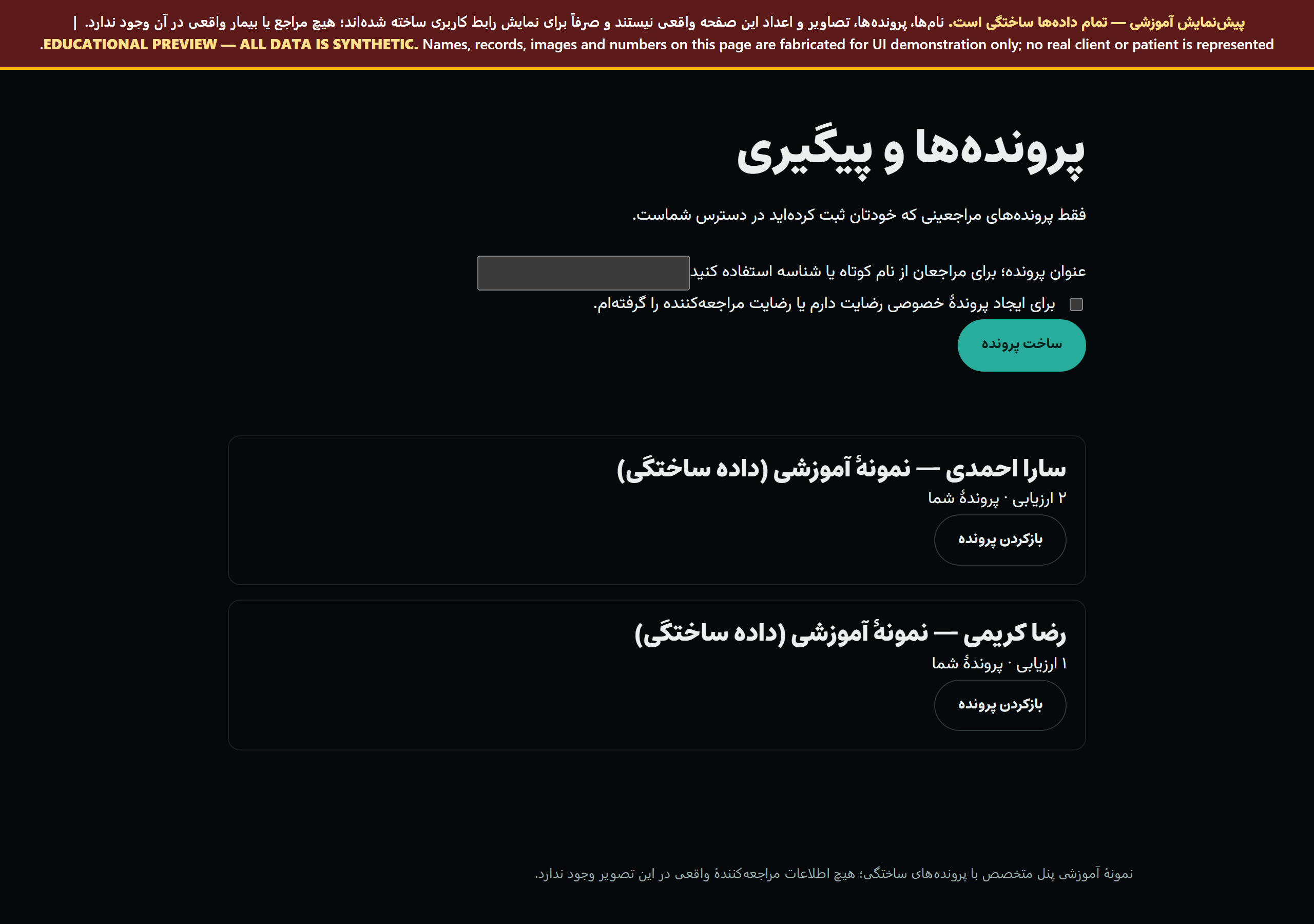
View complete patient and practitioner sample reports
Start an assessment
- Review the photo guide with your client.
- Open the posture tool and review the photographs and points.
- Confirm the landmarks and print the clinical report. See the sample report first.
Practitioner accounts
Choose “a practitioner or coach with clients” when you register. One client's full report and exercise programme are free; after that, a weekly, monthly or yearly plan opens the full report and programme of every analysis you make, with client records. Practitioners enter information about their own clients only, and access only the records they create.
Plans for practitioners and coaches · Sign in or create an account · Contact and service fees
Keep the assessment traceable
- Record whether a landmark was detected, manually adjusted or a reviewed estimate.
- Keep view, scale source and capture conditions with the result.
- Interpret changes only between comparable assessments.
Interpret the clinical report
The angle table and measurement sources support review. The 3D model illustrates supported measurements; it is not an exact reconstruction of internal anatomy. Read about measurement validity and limitations.
Free summary or full report?
| Output | Access |
|---|---|
| Online screening summary | Free; start without an account |
| Full posture report | 790,000 toman; account and access activated after payment |
| Full musculoskeletal screening report | 500,000 toman; separate from posture analysis |
| Individual practitioner interpretation and programme | Requires practitioner assessment and the relevant service fee; distinct from the automated summary |
A single report unlocks that assessment; practitioner plans have separate terms. See the online services shop. If payment is unavailable in your account, contact the centre. Creating an account alone does not unlock the full report. Fees and arrangements · Sign in
From report to programme and follow-up
- Create your own client's record and save the posture or screening report with consent.
- Open the saved assessment and choose Create programme.
- Enter a goal, review date, selected exercises, dose and individual instructions. The software does not choose the dose; the practitioner reviews it against the assessment.
- Save a new version. Earlier versions remain available for comparison.
- At follow-up, record planned and completed sessions, function and the next decision.
Follow-up entries reference the programme version used at the time. Completion is not proof of clinical improvement. Animations are general teaching models, not client reconstructions. Records are available only to the account that created them; this feature does not send programmes to another account.
If another tab has changed the record, reopen it before saving. Assessment exports include programme versions and follow-up entries.